
Quap documentation
Everything Quap does, how to use it, and what Pro adds.
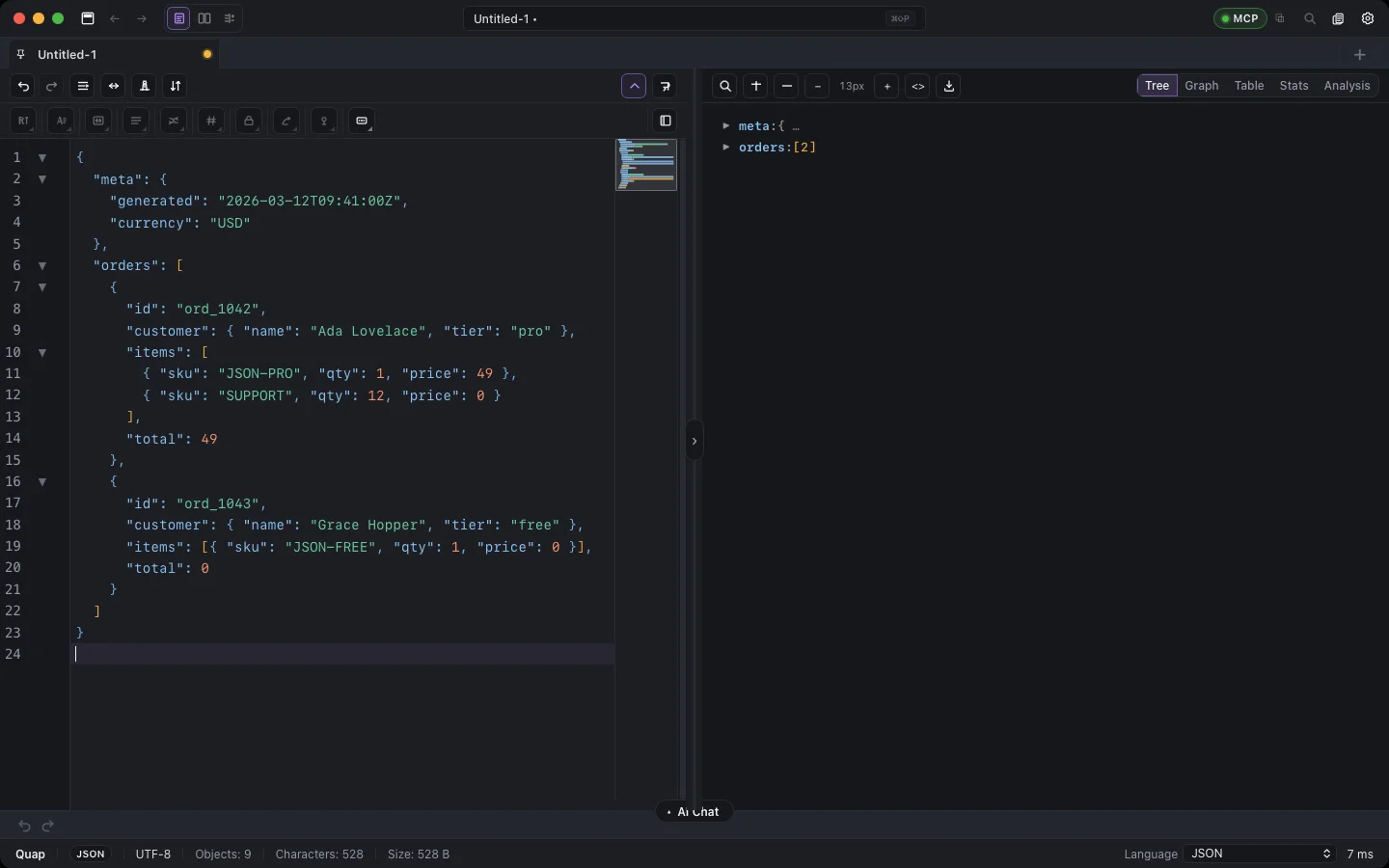
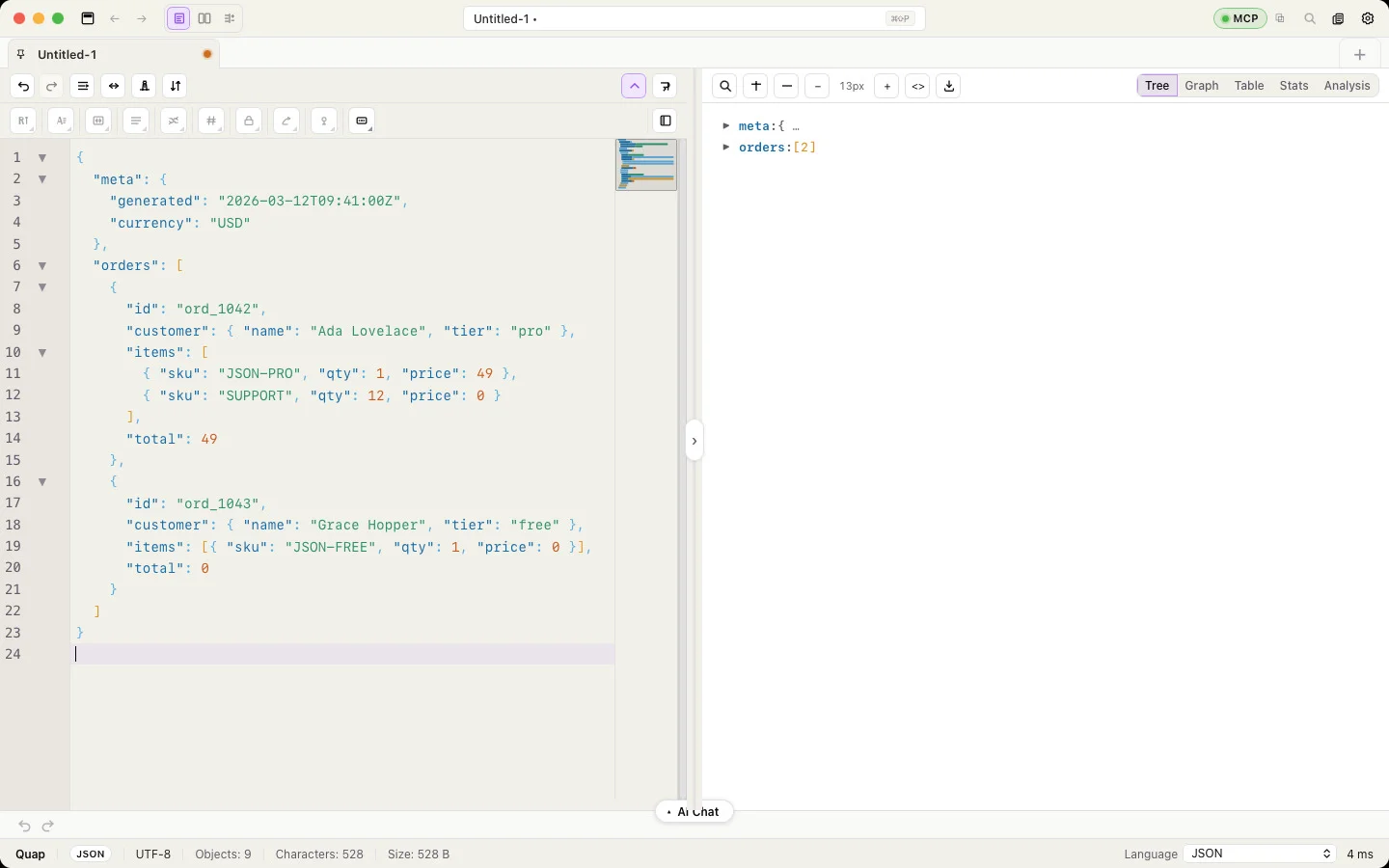
Quap is a desktop workbench for structured data on macOS and Windows. Open or paste JSON, YAML, XML, CSV, SQL, Markdown and more; read it as a tree, graph, table or chart; clean, convert, transform and encrypt it; and ask the AI assistant to do multi-step jobs for you. Everything runs on your computer.
Local-first
Your documents never leave your computer. Quap has no analytics. The AI assistant sends only your instruction (and, if you allow it, key names) to the provider you choose — or nothing at all with the built-in local model.
Start here
- Install Quap — download, first launch, license agreement.
- First steps — open, paste or load a sample in under a minute.
- Interface tour — what every part of the window does.
- Free and Pro — what is free, what Pro adds, how to activate a key.
What you can do
| Area | Highlights |
|---|---|
| Editor | 10 formats with auto-detection, format / minify / clean, sort, find & replace with regex, project folders, clipboard history, crash recovery |
| Preview | Tree, Graph, Table, Stats, Analysis charts, SQL diagrams, Markdown with Mermaid, live HTML, Base64 images and PDFs |
| Convert | JSON ↔ YAML ↔ XML ↔ CSV ↔ SQL, C# / Java / TypeScript / Python classes, SQL translation between 6 databases and C# LINQ |
| Transforms & crypto | Case, encoding, list tools, masking, realistic random data, hashes, AES / ChaCha20, bcrypt / Argon2id, HMAC, JWT, UUID |
| AI Assistant | Describe a change in plain words; Quap plans it, runs it locally and shows a diff before you apply |
| Large files | Open and edit multi-gigabyte JSON, NDJSON, CSV, XML and YAML files smoothly (Pro) |
| Compare & Diff | Find what two lists share or don’t, see every change between two versions and merge them |
| Automation | Macro recorder, batch formatting of open documents, Regex lab, quap-mcp for Cursor and Claude Desktop |
Reference
Keyboard shortcuts · Command palette · MCP tools · Free and Pro · Settings · Privacy & data · FAQ