
Tree
Browse JSON, YAML, XML and CSV as a collapsible tree, search by value or JSONPath, and edit nodes in place.
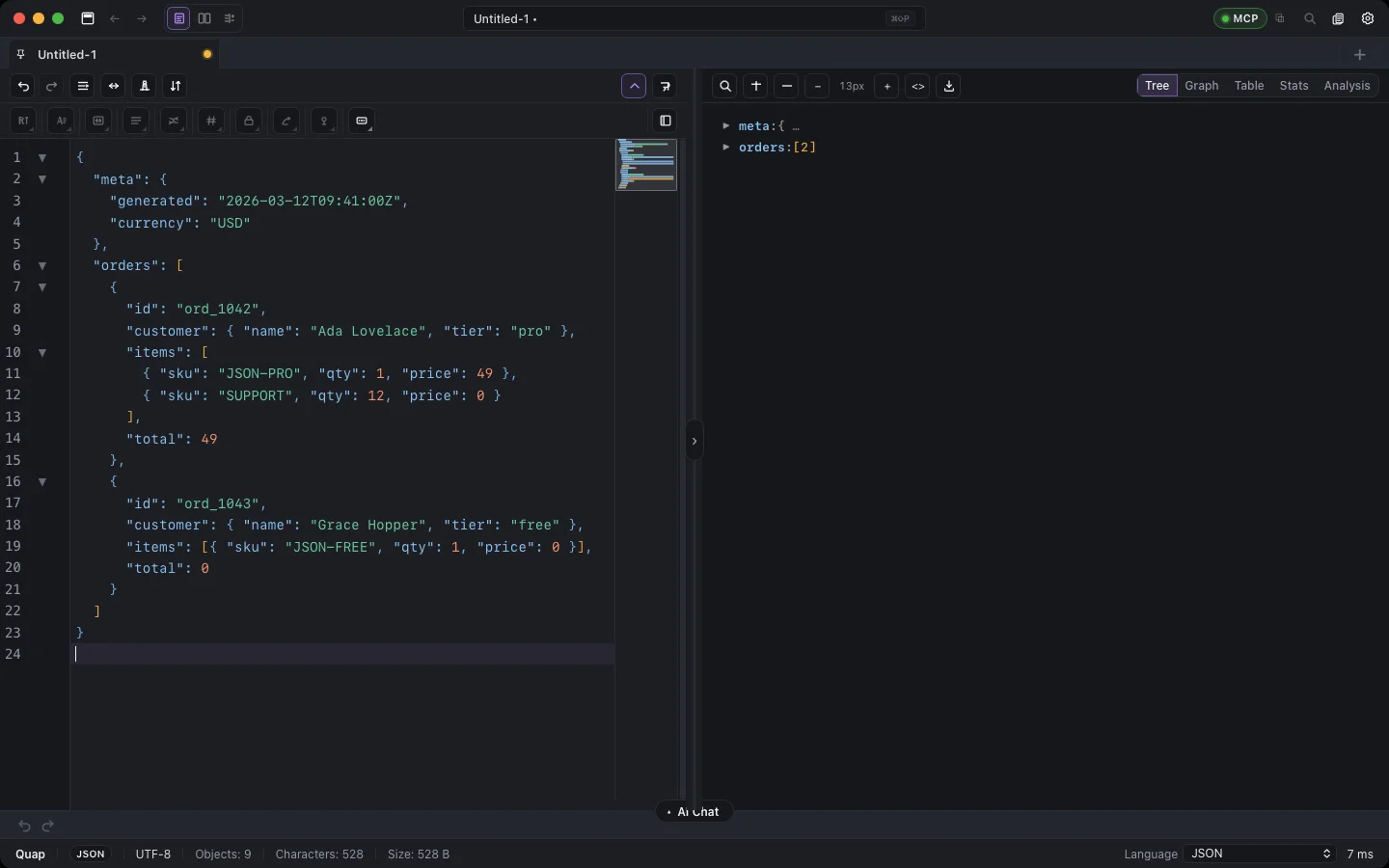
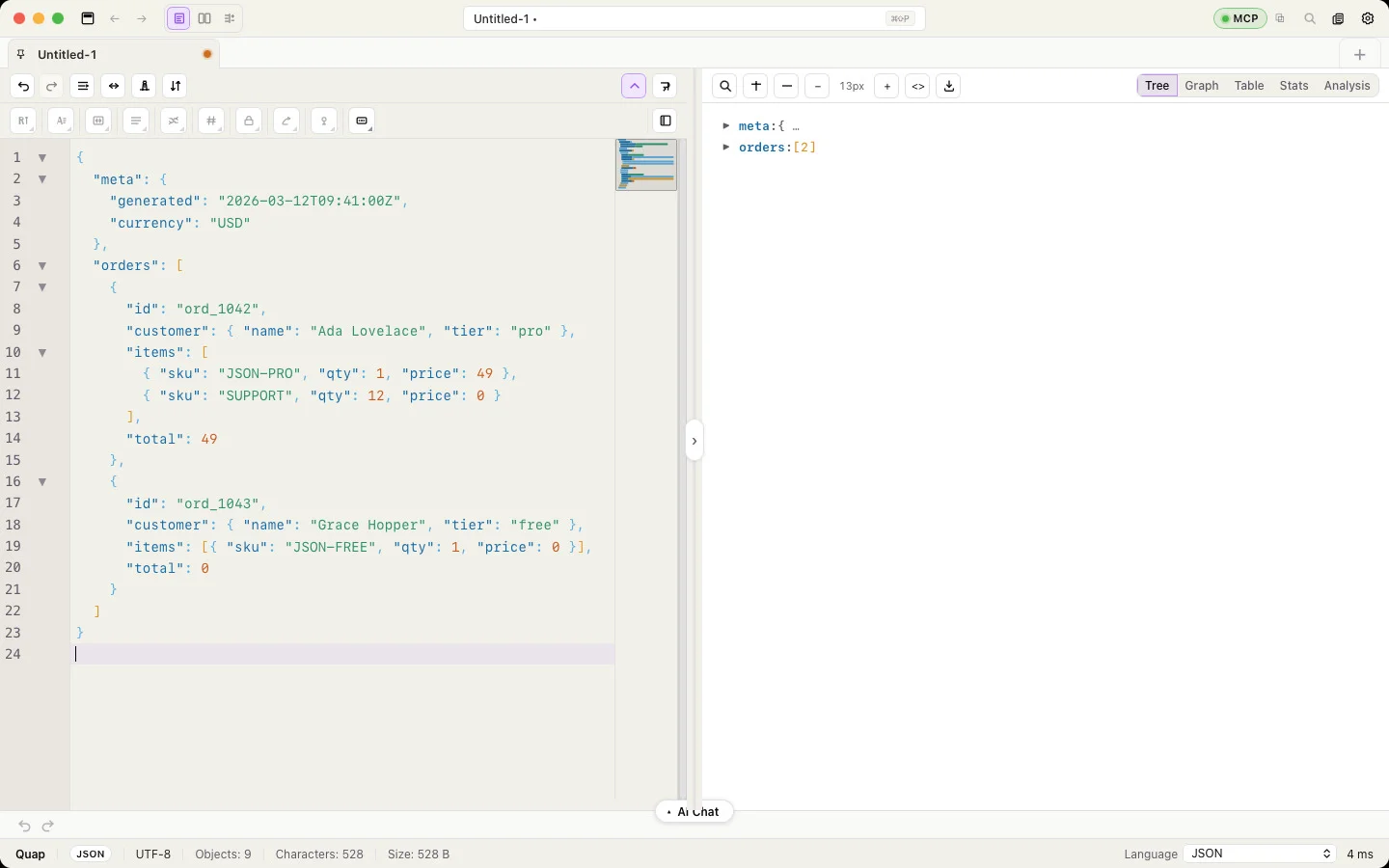
The Tree is the default preview for structured documents. It updates as you type and stays fast on big documents because it loads children page by page.
Navigate
- Click the arrow next to an object or array to open it. Expand all and Collapse all sit in the preview toolbar (expand all is meant for small documents; click Cancel to stop it on a big one).
- Click a key to move the editor cursor to that line. Selecting text in the editor highlights the matching node.
- Long arrays show the first items and a Show more (N loaded) row at the end.
- Change the font size with the A− / A+ buttons, or set a default in Settings → Typography → Tree font size.
- Colours for keys, strings, numbers, booleans and null follow Settings → Preview colors.
Search
Press ⌘F with the preview focused, or click the search button.
Type part of a key or value. Matching nodes are highlighted and the tree opens to show them; the result count appears next to the field.
Edit from the tree
Hover a node to see its quick actions:
| Button | What it does |
|---|---|
| Copy value | Copies the value (objects and arrays as JSON) |
| Duplicate | Inserts a copy right after it |
| Generate smart random value | Replaces the value with a realistic one of the same kind — a name stays a name, an email stays an email |
| Mask value | Replaces the value with a masked placeholder |
| Delete | Removes the node |
To make many copies at once, select a record in the editor and right-click → Duplicate n times; the smart randomizer fills the copies with realistic new values (new names, emails, ids).
Right-click a node for the full menu: every transform and crypto operation, Mask this value / Mask N values at same depth / Mask entire document, Sort keys A→Z / Z→A / A→Z (nested) and Remove nested duplicates. When the clicked value has siblings with the same key, Quap asks whether to change just this one, every value with the same key, or the whole document. See Transforms & crypto.
Formats
| Format | How it appears |
|---|---|
| JSON, YAML | Objects and arrays as they are |
| NDJSON | One root per line |
| XML | Elements with their attributes and text as child nodes |
| CSV | One node per row, with the header names as keys ($[row].column) |